Dashboard, Credits, and API Keys
Written By Aholo3d
Last updated 2 days ago
1. Plans and Credits
The Dashboard shows the current plan, credit balance, and purchase/upgrade entry. Different models, quality levels, export options, and processing capabilities consume different amounts of credits; refer to the estimated consumption near the submit button and the final usage records.
2. API Key Management
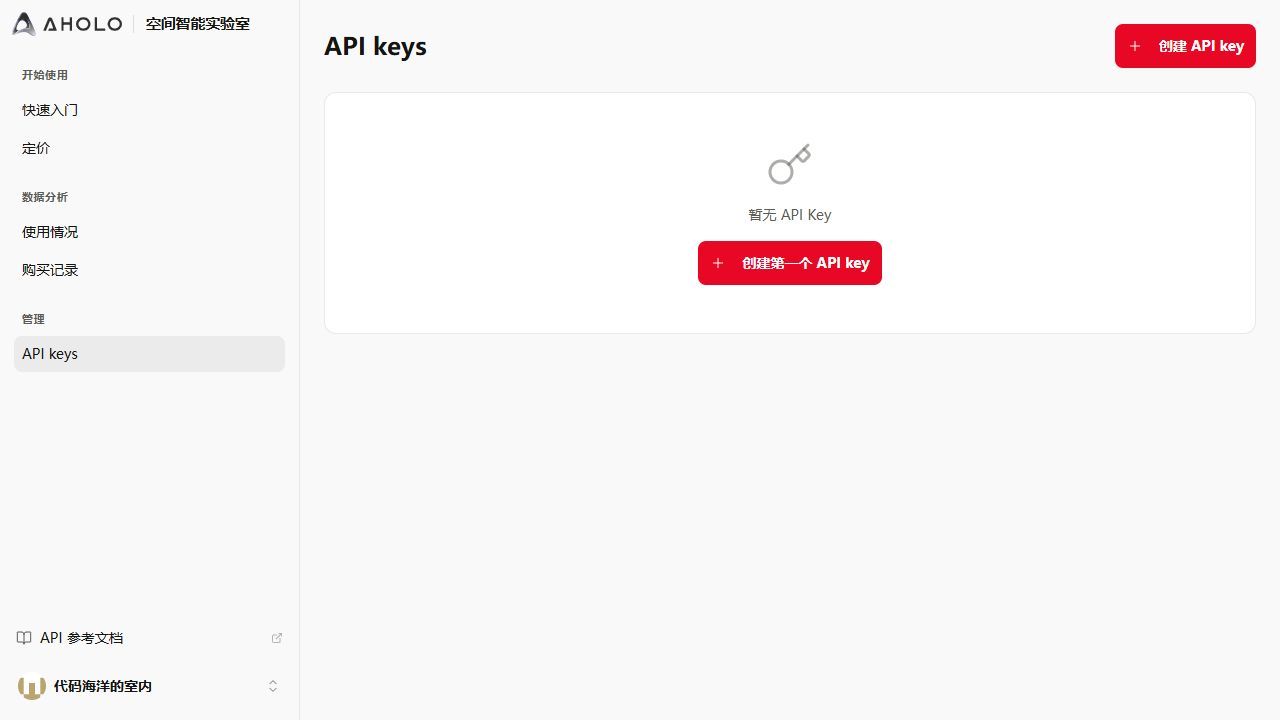
Go to the "API Keys" section of the Dashboard.
Create or retrieve an API key; the key name is used to distinguish purposes.
You can copy, set as default, disable, or re-enable.
The default key is automatically used by the editor; disabled keys cannot be used for new tasks.
The API key page for the domestic production environment is https://labs.aholo3d.cn/api-keys, and for the international environment it is https://labs.aholo3d.com/api-keys. Do not submit full API keys in screenshots, feedback, or public repositories.
Figure 12: API key management page
3. Usage Records
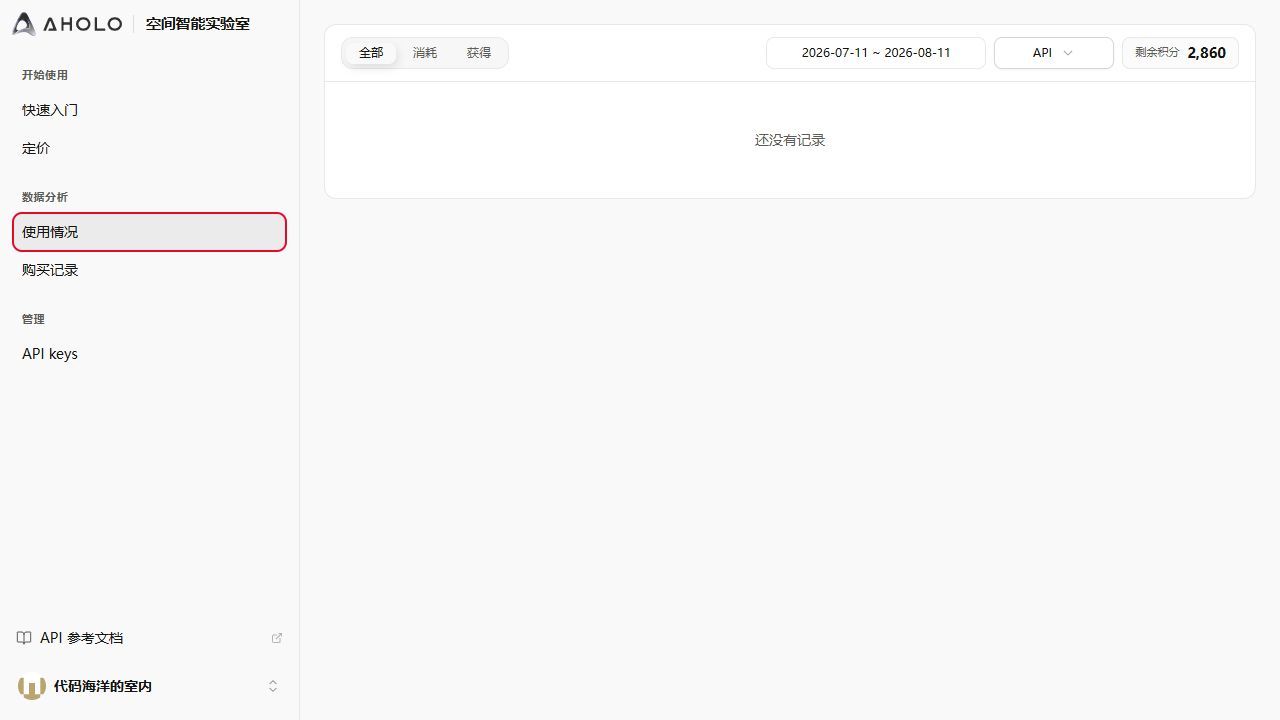
Usage records show task type, credit deduction, status, and time. Common statuses include completed, in progress, queued, and failed. If there are no records yet, complete a website generation or API call first.
Figure 13: Credits and usage records page
Was this helpful?
Still need help? Ask the team